
Implementing OAuth Authentication for MCP Servers
When using SSE or Streamable HTTP connections, implementing authentication mechanisms is recommended for enhanced security. MCP officially recommends using the OAuth protocol. This guide demonstrates how to debug OAuth-authenticated APIs using openmcp-client, using GitHub user information as an example.
1. Obtain GitHub OAuth Credentials
To access GitHub user APIs, you'll need to create an OAuth application:
- Visit GitHub Developers
- Click
New OAuth App - Enter any application name
- Set
Homepage URLtohttp://localhost:8000 - Set
Authorization callback URLtohttp://localhost:8000/github/callback - Click
Register application

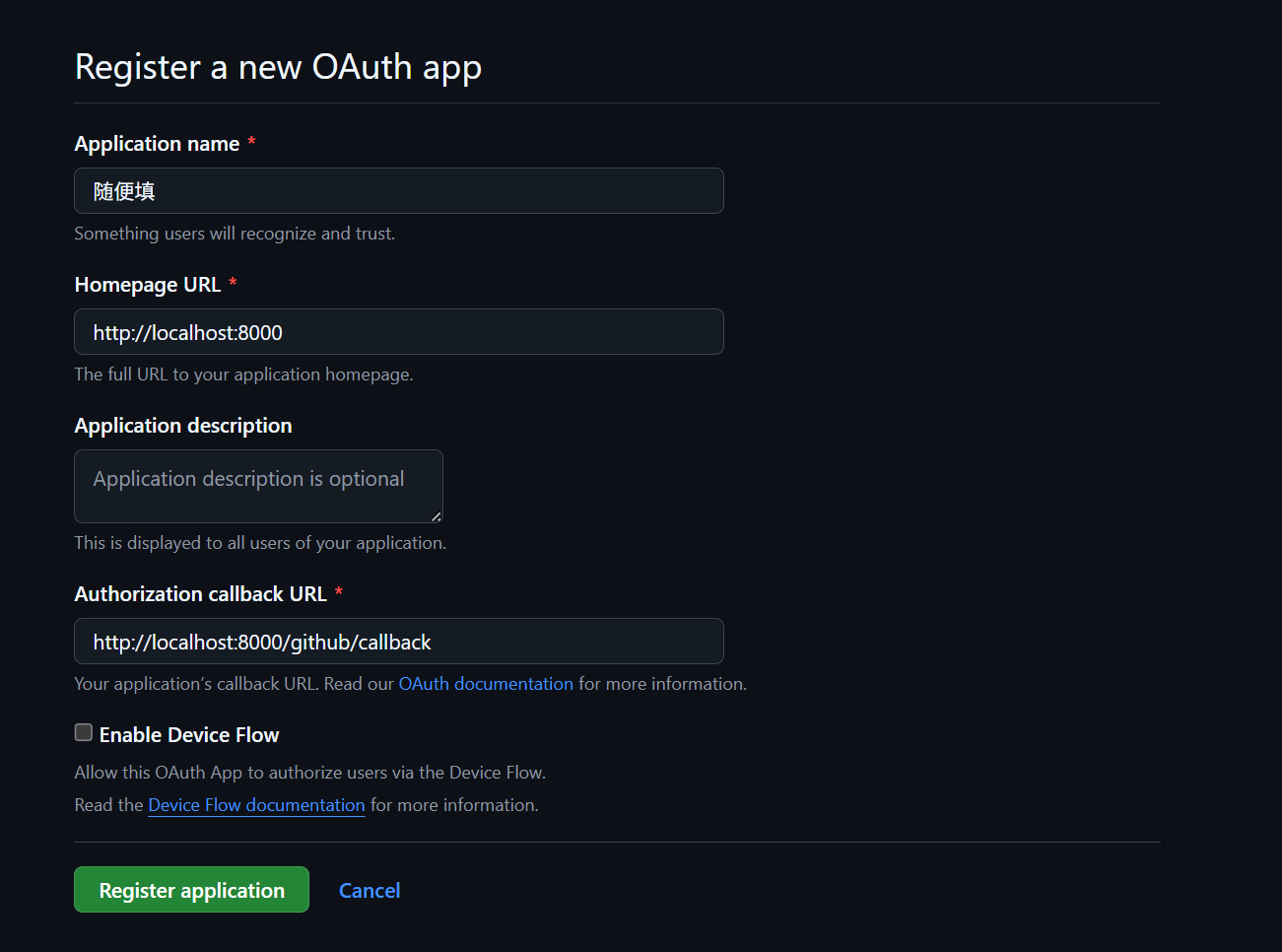
After registration:
- Save your
Client ID - Click
Generate a new client secret(note: secrets are only visible once at generation)
2. Configure Environment Variables
Set your credentials as environment variables:
export MCP_GITHUB_CLIENT_ID={{Client ID}}
export MCP_GITHUB_CLIENT_SECRET={{secret}}$env:MCP_GITHUB_CLIENT_ID = "your_id"
$env:MCP_GITHUB_CLIENT_SECRET = "your_secret"set MCP_GITHUB_CLIENT_ID={{Client ID}}
set MCP_GITHUB_CLIENT_SECRET={{secret}}Note: Avoid quotes when setting variables in CMD
3. Clone Reference Implementation
Deploy an OAuth-enabled MCP server using the official Python example:
git clone https://github.com/modelcontextprotocol/python-sdk/
cd examples/servers/simple-auth
4. Launch MCP Server
- Create a virtual environment
- Install dependencies
- Run with
uvorpython main.py
Important: Environment variables must be set first to avoid
2 validation errors for ServerSettings
5. Connect with openmcp-client
Connect to your server via web or VSCode:
- Click "+" to add connection
- Set URL based on server's transport:
- SSE:
http://localhost:8000/sse - Streamable HTTP:
http://localhost:8000/mcp
- SSE:
- Leave auth signature blank
On first connection, a browser window will open for OAuth authentication. After successful auth, the window will automatically close.

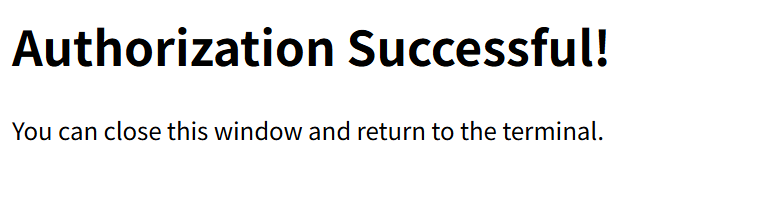
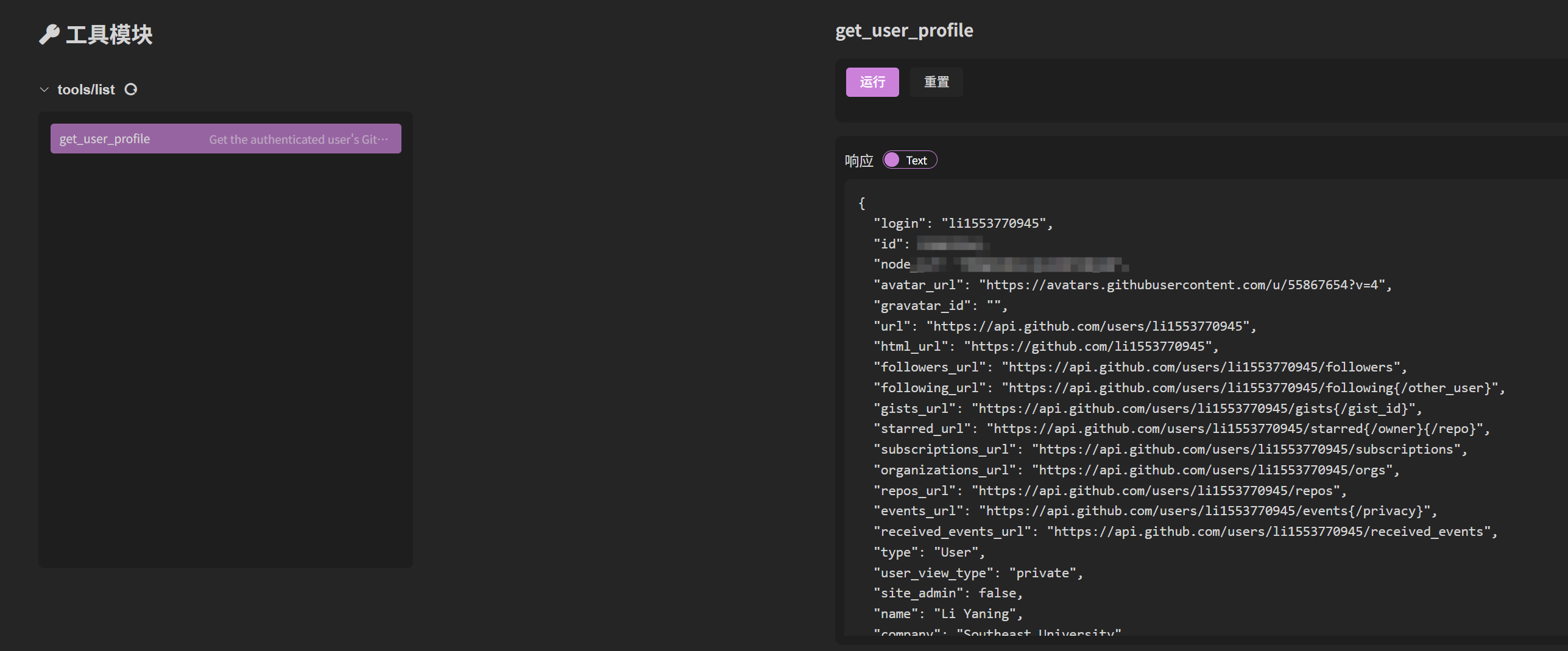
Once authenticated, access the get_user_profile tool to retrieve your GitHub profile:

 LSTM-Kirigaya (锦恢)
 PeaceSheep